Guides · Test
JPEG, WebP, AVIF or HEIC: which is smallest? We measured it
Nine real photos, four formats, four quality levels: file size and fidelity measured side by side. The ranking is not the one you expect.
Short answer. At the same visual quality, AVIF and HEIC are about 25% smaller than JPEG. WebP is only about 6% smaller, and to match JPEG it needs a quality setting around 94, not 80.
The same quality number does not mean the same quality in every format: comparing files “all at 80” makes WebP look far better than it is.
Every guide says WebP and AVIF are smaller than JPEG. That’s true, but by how much depends on what you compare. So we took nine real photos and exported each one in every format, measuring both the file size and how close the result stays to the original.
How we tested
- 9 photos from Unsplash and Pexels: mountains, a forest in fog, a skyscraper above the clouds, a lake among woods, grass and hills at sunset, a flower on a plain sky. Originals from 4,500 to 8,250 pixels wide.
- Each photo resized to 2048 pixels on the long side, the typical size for a website or a newsletter, sRGB, metadata removed.
- Exported with Misuro in JPEG, WebP, AVIF and HEIC at quality 60, 70, 80 and 90 (WebP up to 100), plus PNG.
- Fidelity measured with SSIM, a standard index of how similar an image is to the reference: 1 means identical. Above about 0.98, differences are very hard to see at normal size.
All at quality 80: the misleading comparison
This is how most comparisons are made: same quality slider, different format. Average file size of the nine photos:
PNG, which never loses quality, averaged 3.5 MB: six times a JPEG. It’s the right choice for screenshots, logos and graphics with transparency, not for photos.
WebP seems to win easily. But look at the fidelity of the same files:
| Quality 80 | Average size | SSIM |
|---|---|---|
| JPEG | 587 KB | 0.983 |
| HEIC | 390 KB | 0.981 |
| AVIF | 305 KB | 0.976 |
| WebP | 206 KB | 0.959 |
At “80”, WebP weighs less because it throws away more detail. Each format has its own quality scale, so the same number gives different results.
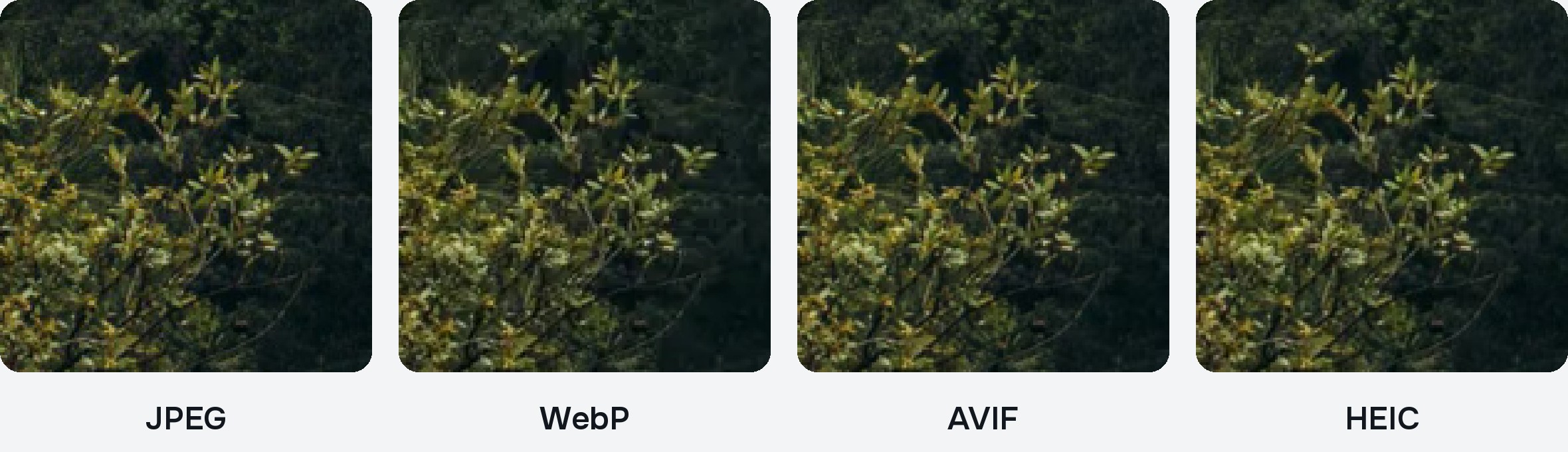
At the same quality: the fair comparison
So we did the opposite: for each photo we found the setting at which every format reaches the same fidelity as a JPEG at 80, and compared the sizes there. Median of the nine photos:
| Same quality as JPEG 80 | Setting needed | Size vs JPEG |
|---|---|---|
| AVIF | about 86 | −25% |
| HEIC | about 82 | −23% |
| WebP | about 94 | −6% |
The ranking turns upside down. AVIF and HEIC really are a quarter smaller than JPEG at the same quality. WebP’s advantage almost disappears: on two of the nine photos, a WebP as good as the JPEG was even slightly bigger.
Photo by photo
The gap changes a lot with the content. Sizes at quality 80, in KB:
| Photo | JPEG | WebP | AVIF | HEIC | PNG |
|---|---|---|---|---|---|
| Skyscraper in clouds | 449 | 62 | 99 | 287 | 3,476 |
| Dolomites at dawn | 542 | 194 | 275 | 388 | 3,203 |
| Forest in fog | 925 | 381 | 604 | 635 | 4,293 |
| Hills at sunset | 426 | 119 | 175 | 235 | 2,910 |
| Dry grass | 504 | 160 | 246 | 357 | 3,706 |
| Red mountains at dusk | 523 | 133 | 225 | 366 | 3,540 |
| Grass at sunset | 780 | 296 | 386 | 474 | 4,501 |
| Mountain lake and woods | 950 | 469 | 696 | 677 | 3,866 |
| Flower on blue sky | 182 | 41 | 35 | 90 | 2,309 |
Soft subjects (clouds, sky, fog) shrink a lot in the newer formats. Fine detail across the whole frame, like woods and trees, leaves much less room: there every format has to keep a lot of information.
Which format should you choose?
For a website
WebP works in every current browser. Use quality 90 or higher if you want it to look like a good JPEG: at 75–80 it’s much lighter but visibly softer on detailed photos. AVIF is smaller at the same quality and is supported by current versions of Safari, Chrome, Firefox and Edge; if your site or CMS accepts it, it’s the best choice for weight. JPEG is still the safest choice when you don’t know where the image will end up.
For email and clients
JPEG. Everyone can open it, on any device and in any program, and at 2048 pixels and quality 80 a photo weighs around half a megabyte.
For your Apple devices
HEIC is what the iPhone uses: a quarter smaller than JPEG at the same quality, and it opens everywhere on Mac, iPhone and iPad. Outside Apple, especially on Windows and in older programs, it may not open.
For graphics, logos and transparency
PNG, or WebP and AVIF, which also keep transparency. Not JPEG: it has no transparency at all.
Limits of this test. Nine photos at a single size, measured with SSIM, which is a mathematical index and not a human eye. Results change with other photos, other sizes and other encoders: JPEG, HEIC and AVIF here use Apple’s encoders, WebP uses Google’s libwebp. The trend, though, matches what you see by comparing the files side by side.
Try it on your own photos
The best test is the one on your own images. In Misuro, choose the format and the quality: the preview shows the result after compression and the estimated weight, before you export. With Side by side at actual size, you can compare it with the original pixel by pixel.
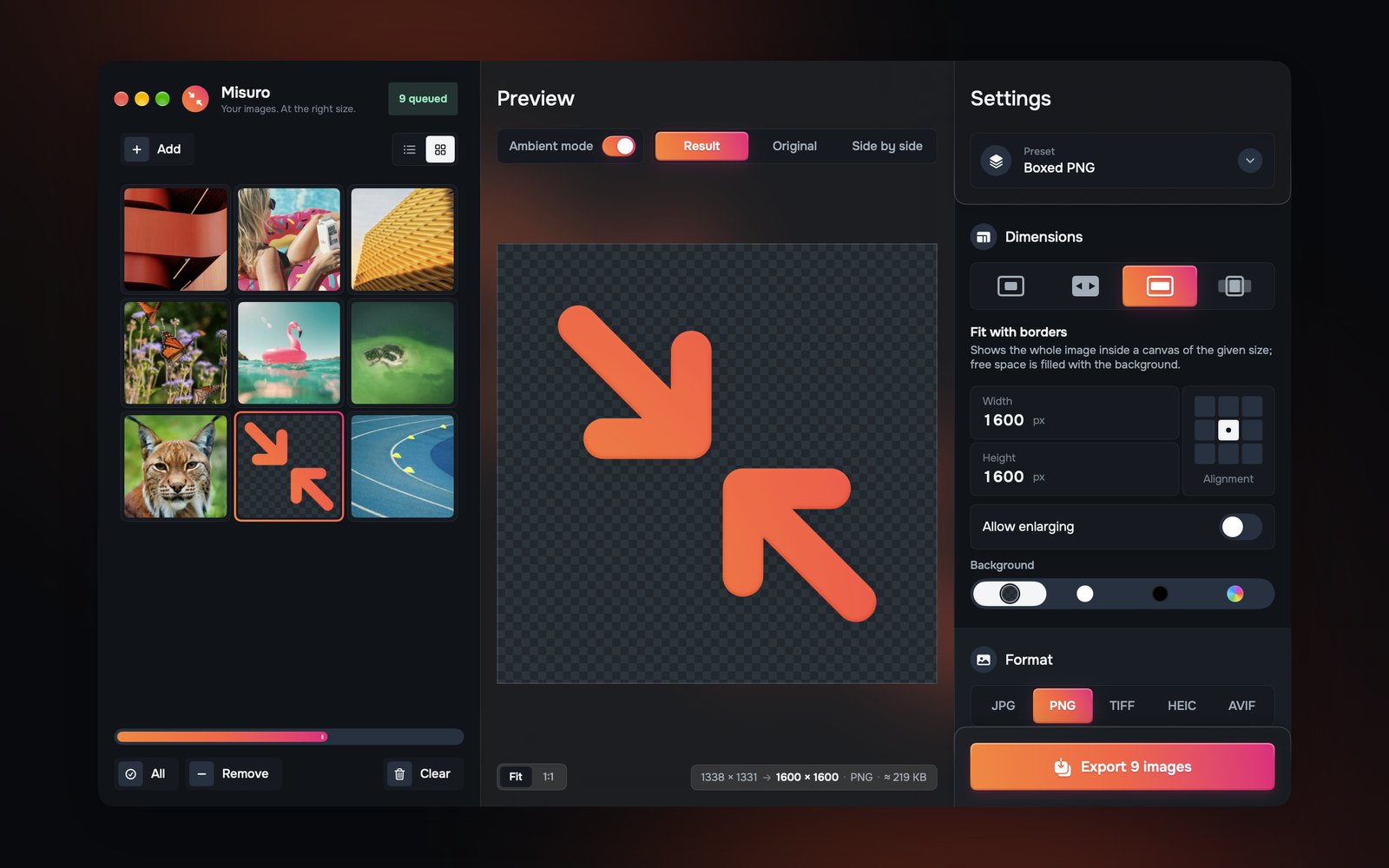

Misuro for Mac
Resize, crop and convert batches of photos to JPEG, PNG, WebP, HEIC, AVIF and TIFF. Offline, one-time purchase.

Read next
Photo credits
Cover photo: Andrei Lazar on Unsplash+.
Test photos: Cristina Gottardi, Dan Otis, Denys Nevozhai, John Towner, Kristaps Ungurs, Laurine Bailly, Martin Adams, Michael Bourgault on Unsplash; Lisa Fotios on Pexels.
Photos inside the Misuro screenshots: Unsplash.