Guides · Case study
3,904 screenshots, 25 years of the web: from 6 GB to 400 MB
A personal archive of websites collected since 2001, turned into a fast online gallery. The numbers, the choices and the settings.
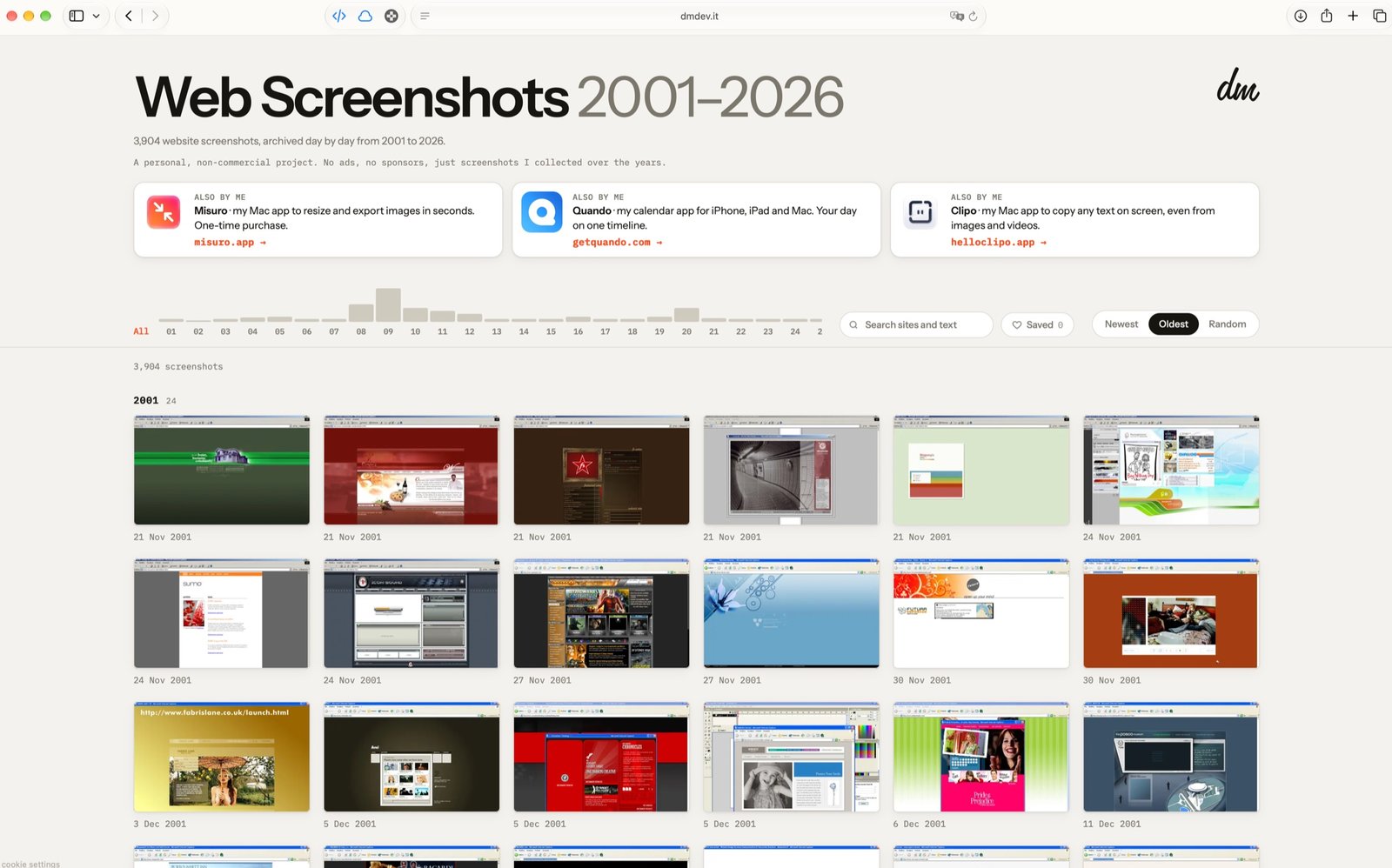
In short. 3,904 screenshots, 6 GB of PNG and JPEG files. Two versions of each, both WebP: a large one 1600 pixels wide and a 480 × 300 thumbnail. Result: 388 MB of large images and 39 MB of thumbnails, 93% less than the originals.
With Misuro the whole job takes about four and a half minutes.
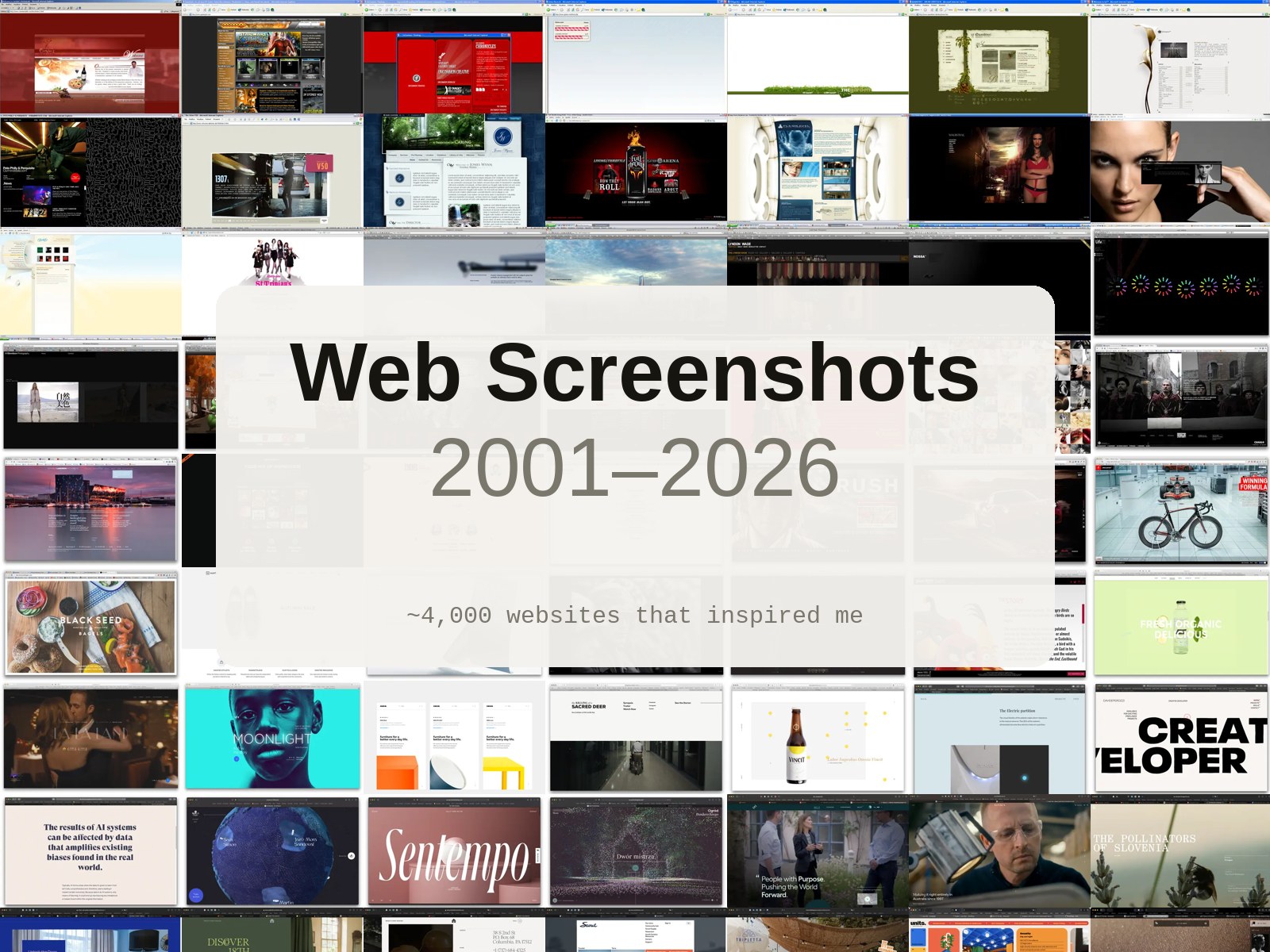
Since 2001, every time a website caught my eye, I took a screenshot of it and saved it in a folder. Twenty-five years later that folder held almost four thousand images: the web of Internet Explorer and Flash, the first big photographic homepages, the flat design years, today’s huge type. An archive that was a shame to keep closed in a drawer.
So it became Web Screenshots 2001–2026, a free online gallery, later selected for Muzli Picks. This is how its images were prepared.
The starting point
| The archive | |
|---|---|
| Screenshots | 3,904 |
| Formats | 2,758 PNG, 1,146 JPEG |
| Total weight | 5.98 GB |
| Typical size | 2000 × 1213 px (median) |
| The largest | 4320 px wide; full pages up to 23,427 px tall |
A median file weighed about 1 MB. Putting all of it online as it was would have meant 6 GB on the server, and a page that downloads megabytes for each tiny square in the grid.
Two sizes for two uses
A gallery shows each image in two ways: small, in the grid, and large, when you open it. Each needs its own file.
The large image: 1600 pixels wide
When you open a screenshot it fills most of the screen. 1600 pixels are enough to read the text of a page at full size on a normal screen and at a good size on a Retina one, and old screenshots from 2001, often 1024 pixels wide, are never enlarged. Height follows the proportions, so a full page stays complete.
The thumbnail: 480 × 300, cropped from the top
In the grid, every card has the same shape. The crop starts from the top of the page, not the centre: the header, the logo and the first screen are what makes a site recognisable. At 480 pixels each thumbnail stays sharp in a card about 240 pixels wide on Retina screens.
Why WebP
Screenshots are not photos: large flat areas, sharp text, few gradients. On this kind of image WebP is very efficient, and it’s readable by every current browser. Large images at quality 80, thumbnails at 72: in a small thumbnail the difference doesn’t show, and every kilobyte saved is multiplied by four thousand. Transparent PNGs are placed on a white background, like the page they came from.
The result
On average a large image weighs 99 KB and a thumbnail 10 KB. A grid of a hundred cards loads about one megabyte: less than a single original screenshot.
Four and a half minutes with Misuro
The gallery was first built with a script written for the purpose, which also does other things (it reads dates from file names and the text of pages for search). For this article we did the image part again with Misuro, to see how long it takes without writing a line of code. Two presets were enough:
| Preset | Settings |
|---|---|
| Gallery – large | Keep proportions, width 1600, height Auto, WebP 80, metadata removed |
| Gallery – thumbnail | Fill and crop 480 × 300, anchor at the top, WebP 72 |
| Mac with M4 Max | Time | Result |
|---|---|---|
| Reading 3,904 files (6 GB) | 11 s | 3,904 ready |
| Large images | 4 min 6 s | 388 MB, no errors |
| Thumbnails | 30 s | 39 MB, no errors |
The large images take longer because the WebP encoder works on a single core per image, on files of a few thousand pixels; Misuro processes many of them in parallel. The thumbnails are tiny and fly. The originals are never touched.
What this project teaches
- Choose sizes from how images are shown, not from the originals: one for the grid, one for the detail.
- Crop where the meaning is. For a website it’s the top; for a portrait it would be the face.
- The format depends on the content. WebP is excellent on screenshots and graphics; for photos the picture changes, as we measured here.
- Keep the originals. Sizes and formats change over the years; a good archive lets you start again.

Misuro for Mac
Save your own presets and process thousands of images in parallel, from the window, the menu bar or the Finder. Offline, one-time purchase.

Photo credits
Cover and gallery screenshot: Web Screenshots 2001–2026.